
Human-agent interactions
Giving people control without making them supervise every step.
When does the agent need a person?
The agent can explore an app and create tests, but it doesn't know everything the user knows. We wanted users to be able to step in when needed, without having to watch every action.
Let people show the agent what they mean
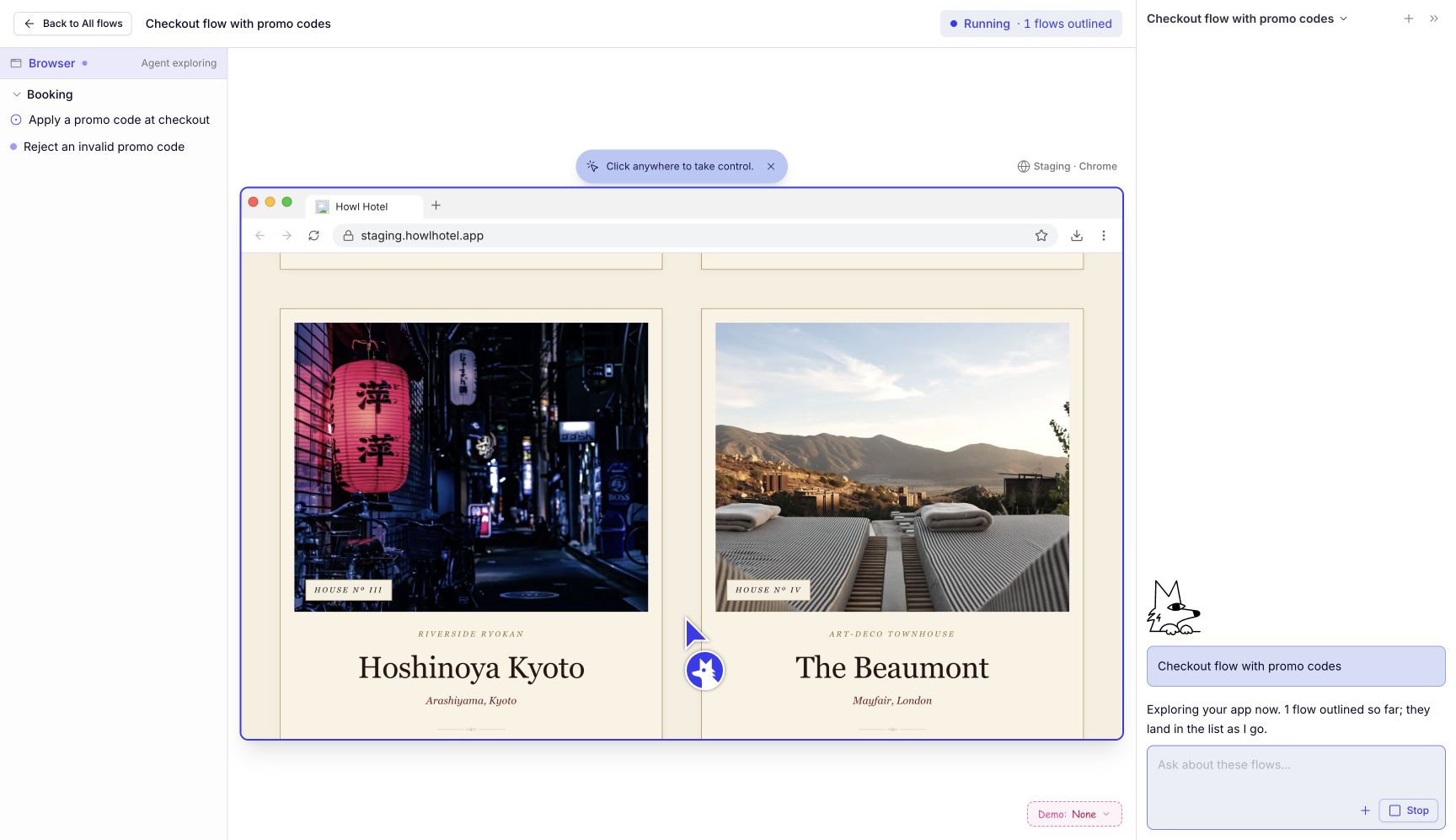
Sometimes it's easier to show the agent a flow than explain it in chat. Users might need to sign in or navigate to the part of the app they want tested.
We let users take over the browser and hand it back in the same session. The agent pauses while they make changes, then continues from where they left off. That way, helping the agent doesn't mean starting over.
Ask when the answer changes what gets tested
For example, the agent finds an expired promo code. Should it test the error message, or wait for a valid code? The user knows what they're trying to test, so we ask them to make that call.
We show what happened and give them a few options. This keeps the question easy to answer, without making users figure out what the agent needs.
Make it manageable when several flows need help
The agent can work on several tests at once. We gave each test its own conversation so users can answer questions in context without losing track of the others.
The flow list stays visible as users move between conversations, and their answers stay with each flow. We make the question or problem easy to find, while keeping completed work less prominent.